The Context
Building an AI-Native Design Practice
I joined GAN Integrity as Design Team Lead to build design culture in an engineering-led compliance software company. The team was talented but siloed, and design had limited influence on product strategy.
When Figma Make launched, I saw an opportunity. This could fundamentally change how we work—accelerating early exploration and getting to high-fidelity prototypes faster, especially with our design system in place. But we had no real experience using AI in our design workflow.
The Problem
Good Data, Bad Prompts
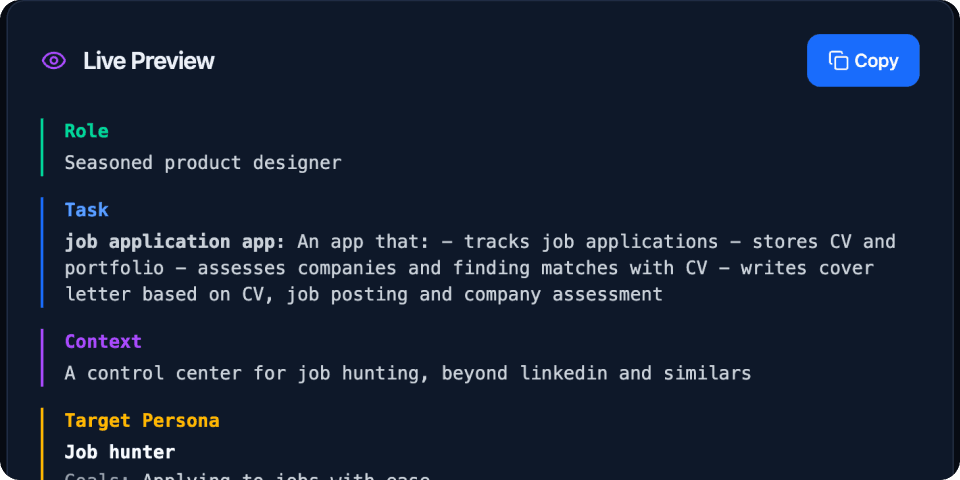
We started experimenting with prompt formulas, but results were clunky and I lacked a proper overview of complex prompts. It was challenging to capture all relevant data—user stories, research, requirements—while editing the prompt at the same time. And we kept burning credits on minor modifications just to see if something worked. Classic GIGO: garbage in, garbage out.
The frustrating part? We had valuable data, exactly what you'd want to feed into prompts. But there was no efficient way to structure it, preview it, and iterate without waste.
The Experiment
From Figma to Shipped in One Sprint
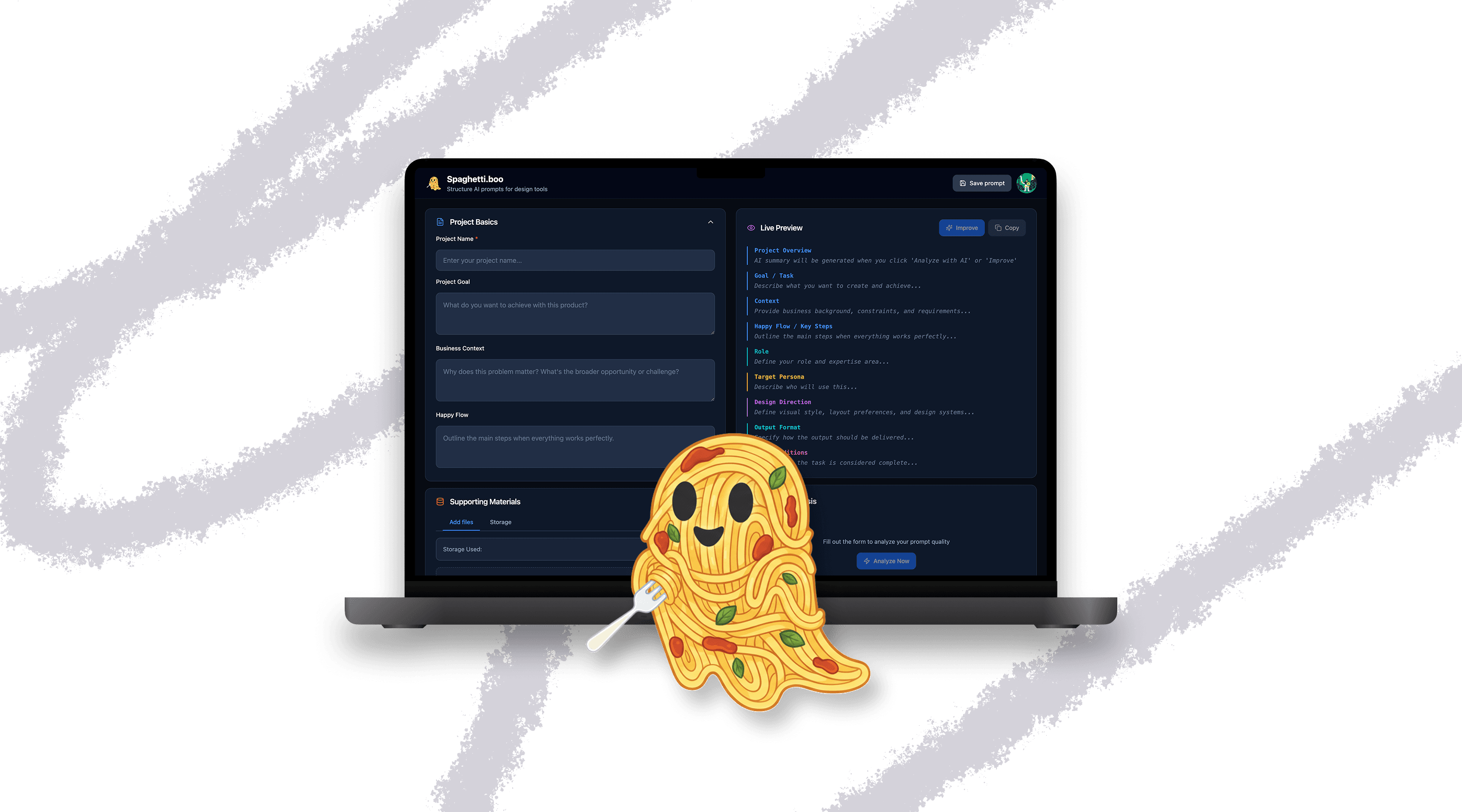
So I built something. Partnering with an engineer friend, we created Spaghetti.boo in just roughly 30 hours — one sprint.
The workflow: I started with initial designs in Figma Make, but they weren't right. So I moved to Claude, where we iterated until we had better code—which I could feed back into Figma for much stronger outputs. My dev partner used Lovable and Cursor for the actual build, leveraging Lovable's built-in AI features, Supabase for backend, and conversation mode to work through unfamiliar problems. If I was still unsatisfied with a design solution, I could copy it to a Figma artboard, modify it there, then push back to Lovable. Complete control, fast iterations, ship when ready.
What we shipped:
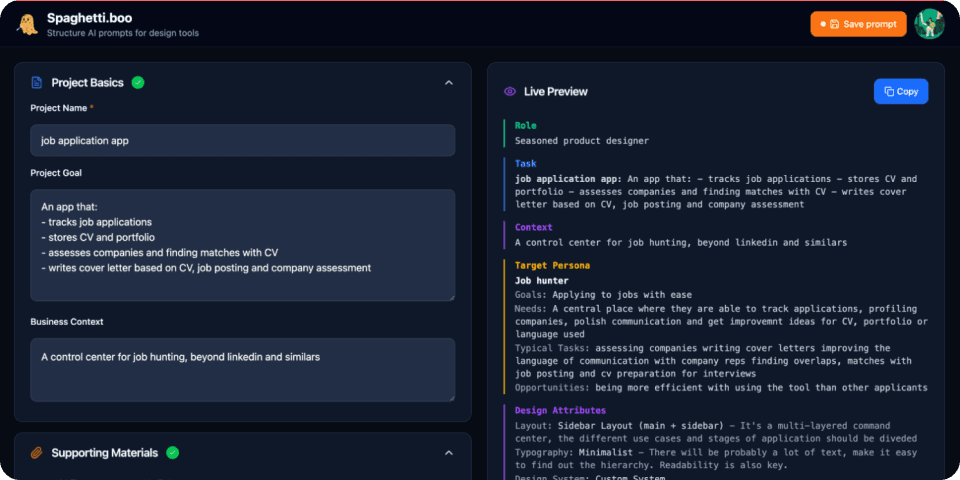
- Prompt editor with structured inputs
- Live preview to see outputs before committing
- Quality assessment to catch weak prompts
- Prompt library for reuse and iteration
It's production-ready, not a prototype. Designed for designers, not developers.
What I learned
Four Lessons from Building with AI
Speed compounds, but doesn't replace thinking. I could test 3-4 approaches in the time it normally takes to explore one. But I still needed to define the problem clearly first.
Tool fluidity matters. No single AI tool does everything. The skill is knowing when to switch—and moving work between them without friction.
Control is non-negotiable. Being able to pull designs back to Figma meant I was never locked in. That safety net made me more willing to experiment.
Building > theorizing. I learned more about AI workflows from building Spaghetti than from any article or course.
Where it's going
From Side Project to Production Workflow
I use Spaghetti daily at GAN. We've already delivered our first designs for implementation that were entirely made with Figma Make—with prompting starting in Spaghetti. It's shaping how the team approaches AI-assisted design—not as magic, but as a tool that rewards good inputs. It connects to our broader design system work: structured knowledge in, consistent outputs out.
My broader take: AI should be part of every step of a product designer's workflow—not just generation. It helps with problem framing, research scripts, insight clustering, prototyping, even microcopy. Brief to delivery—AI has a role at every step.
And here's the thing—it's easier than ever to build your own tools when you hit friction. Spaghetti is proof. See a problem, build a solution, make it part of how you work.
Read a case study
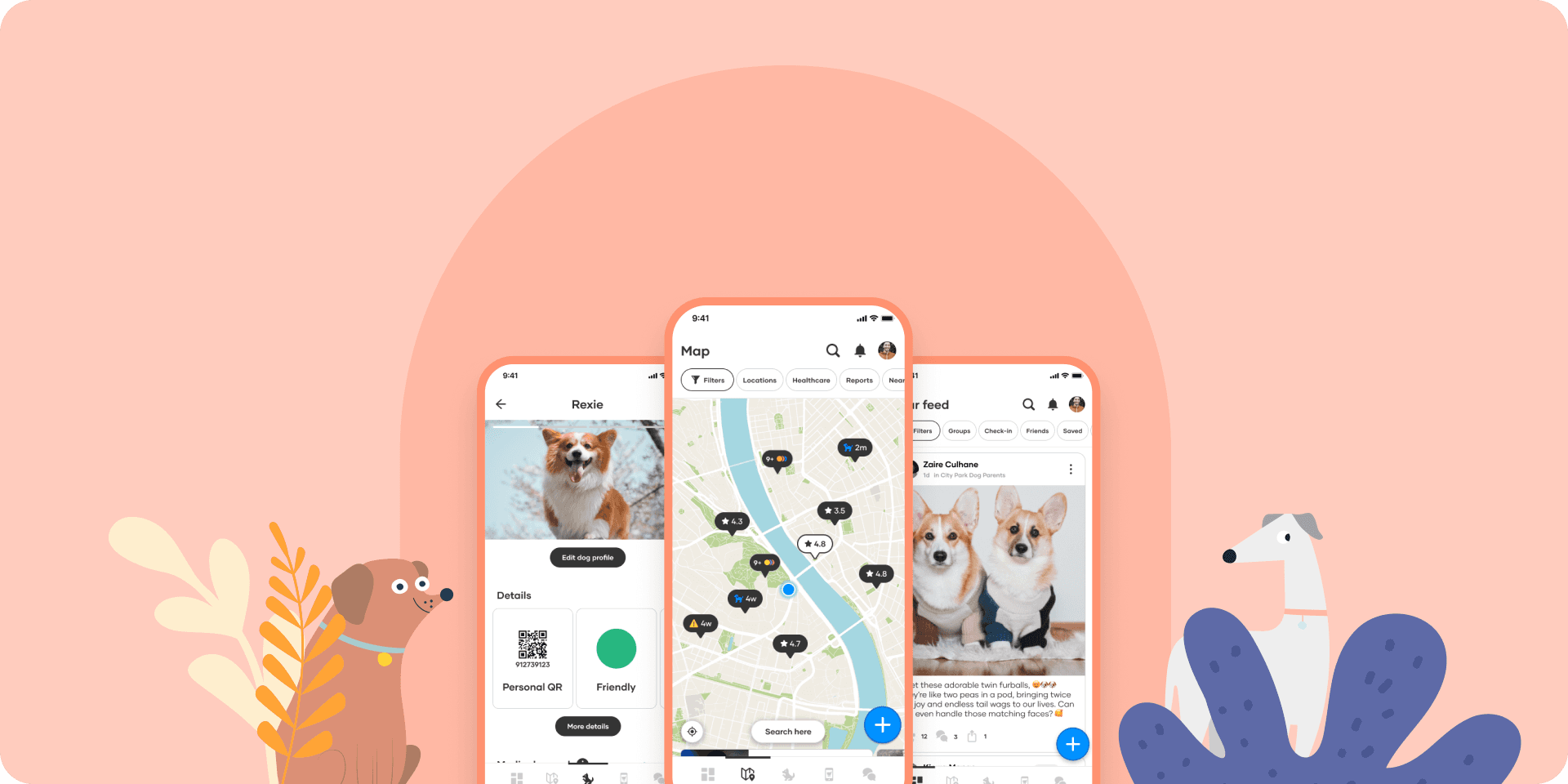
Wuff: Building a community app from zero
Raised €87K, acquired 3K users, scaled team to 20+.
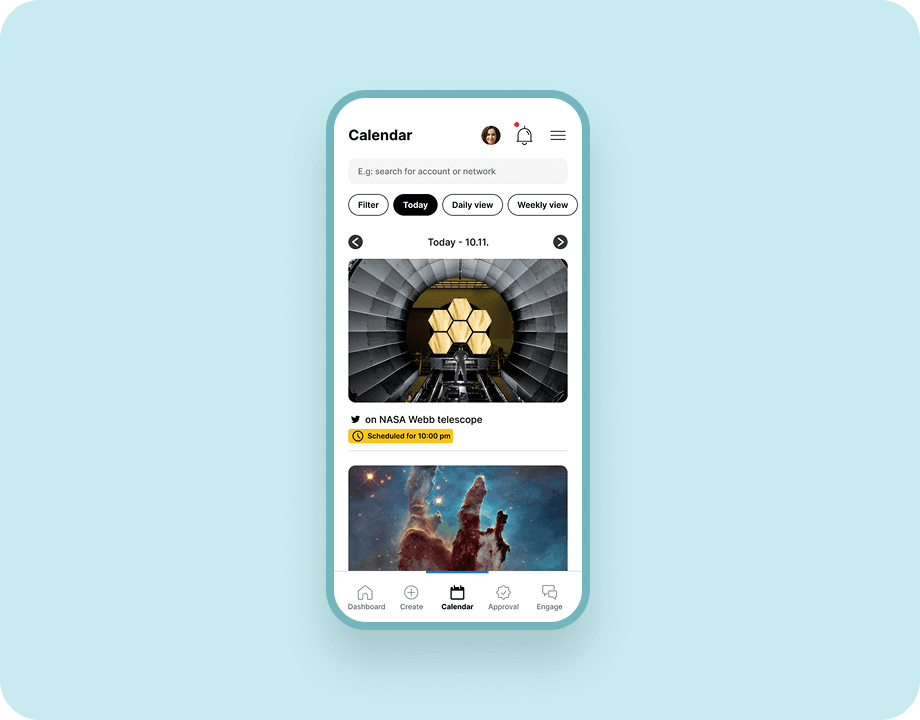
Brandwatch Mobile: From churn driver to strategic asset
Quantified $60K+ in lost revenue, built the case for consolidation